Staying connected is essential for navigating Bali, booking rides through Grab and Gojek, communicating with your hotel and driver via WhatsApp, and keeping in touch with family back home.
Having a working phone with mobile data is essential in Bali. You need it for Grab and Gojek (the ride-hailing apps everyone uses), Google Maps navigation, and WhatsApp, which is the main communication app on the island. Hotels, restaurants, tour operators, and drivers all use WhatsApp as their primary way of staying in touch. Beyond local communication, mobile data keeps you connected with family and friends back home throughout your trip. There are two main options for getting online: a physical SIM card or an eSIM. Both work well, and the right choice depends on your phone and how long you plan to stay.
Choose the option that works best for your phone and travel style.
The traditional option. Buy it at the airport when you land or at any phone shop in town. Staff will insert the SIM and set everything up for you, including data activation and registration. You will need your passport for the mandatory registration process. This option works with any unlocked phone and gives you a local Indonesian phone number for calls and texts.
The modern option. Buy and activate it before you even leave home, so you land in Bali with data already working. No physical card is needed because the eSIM downloads directly to your phone. Your device must support eSIM (most phones made after 2020 do). This is a great choice for travelers who want instant connectivity the moment they step off the plane.
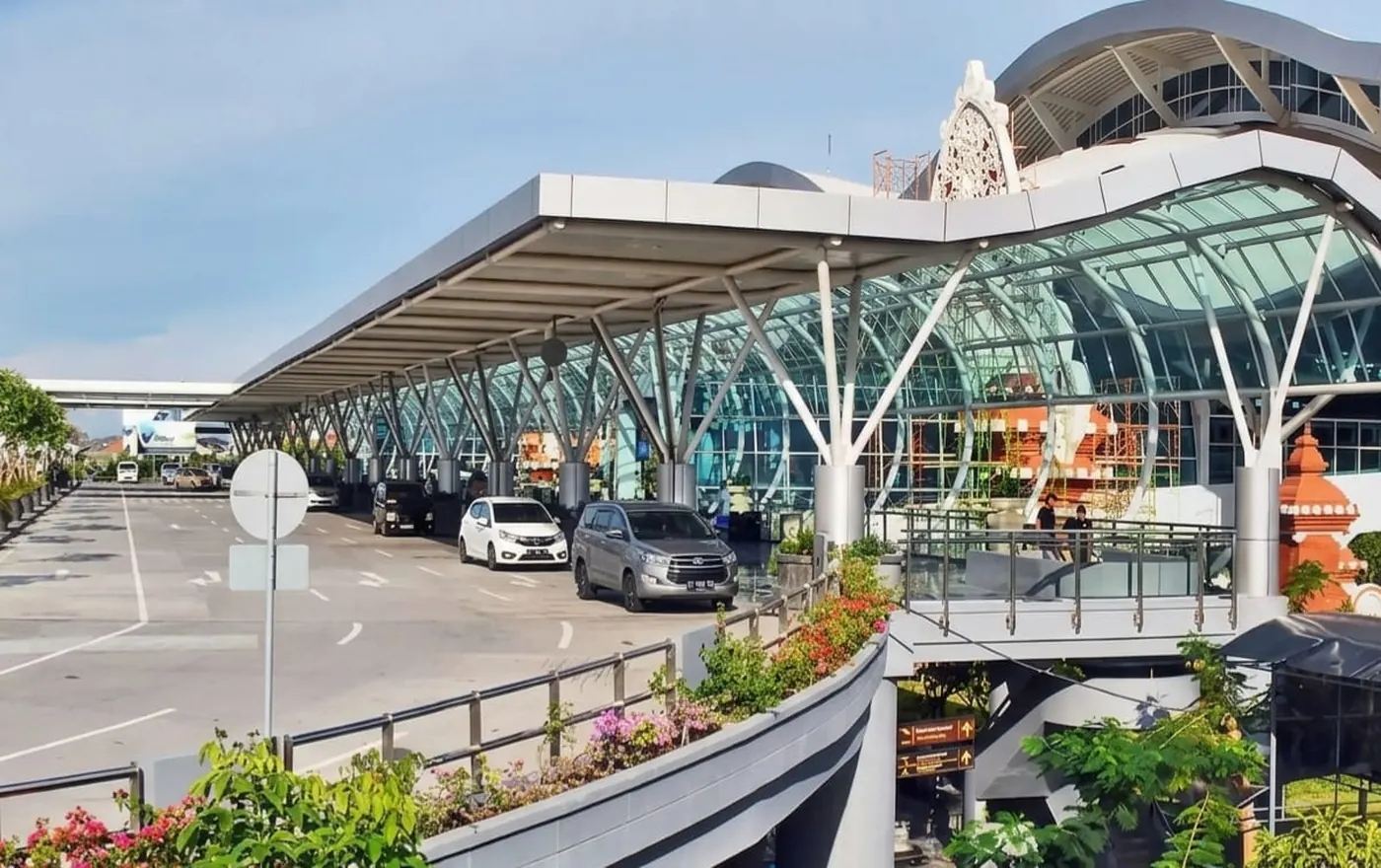
The arrivals hall at Ngurah Rai Airport, where Telkomsel and XL counters are located
Telkomsel and XL counters are located in the arrivals hall at Ngurah Rai Airport, making it easy to get connected as soon as you land. These counters are open when international flights arrive, so you will not have to worry about finding one closed after a late arrival.
Staff at the counters will handle everything for you. They will insert the SIM card, activate the data package, and make sure your phone is connected before you leave. Bring your passport, as it is required for registration under Indonesian regulations.
Airport prices are slightly higher than what you would pay in town, but the convenience is absolutely worth it when you have just landed after a long flight and want to call a Grab or message your hotel immediately.
Have your phone unlocked before you travel. If your phone is locked to your home carrier, the Bali SIM card will not work. Contact your provider before your trip to make sure your phone is unlocked and ready to accept a new SIM.
Official provider stores in Kuta, Seminyak, Ubud, and Denpasar offer the best prices and guaranteed legitimate SIM cards. These stores are clearly branded and easy to find in all major tourist areas across the island.
Small phone shops are also found on nearly every street and can set you up with a SIM card and data package quickly. Prices in town are noticeably lower than at the airport, so if you are not in a rush, waiting until you reach your destination can save you some money.
Staff at official stores will handle activation and registration on the spot. Once your SIM is active, you can top up your data at any Indomaret or Alfamart convenience store, or through the provider's own mobile app whenever you need more.
Always buy from an official provider store or a reputable phone shop. Avoid buying SIM cards from random street vendors, as these can sometimes be pre-registered under someone else's identity, which can cause problems with your account later.
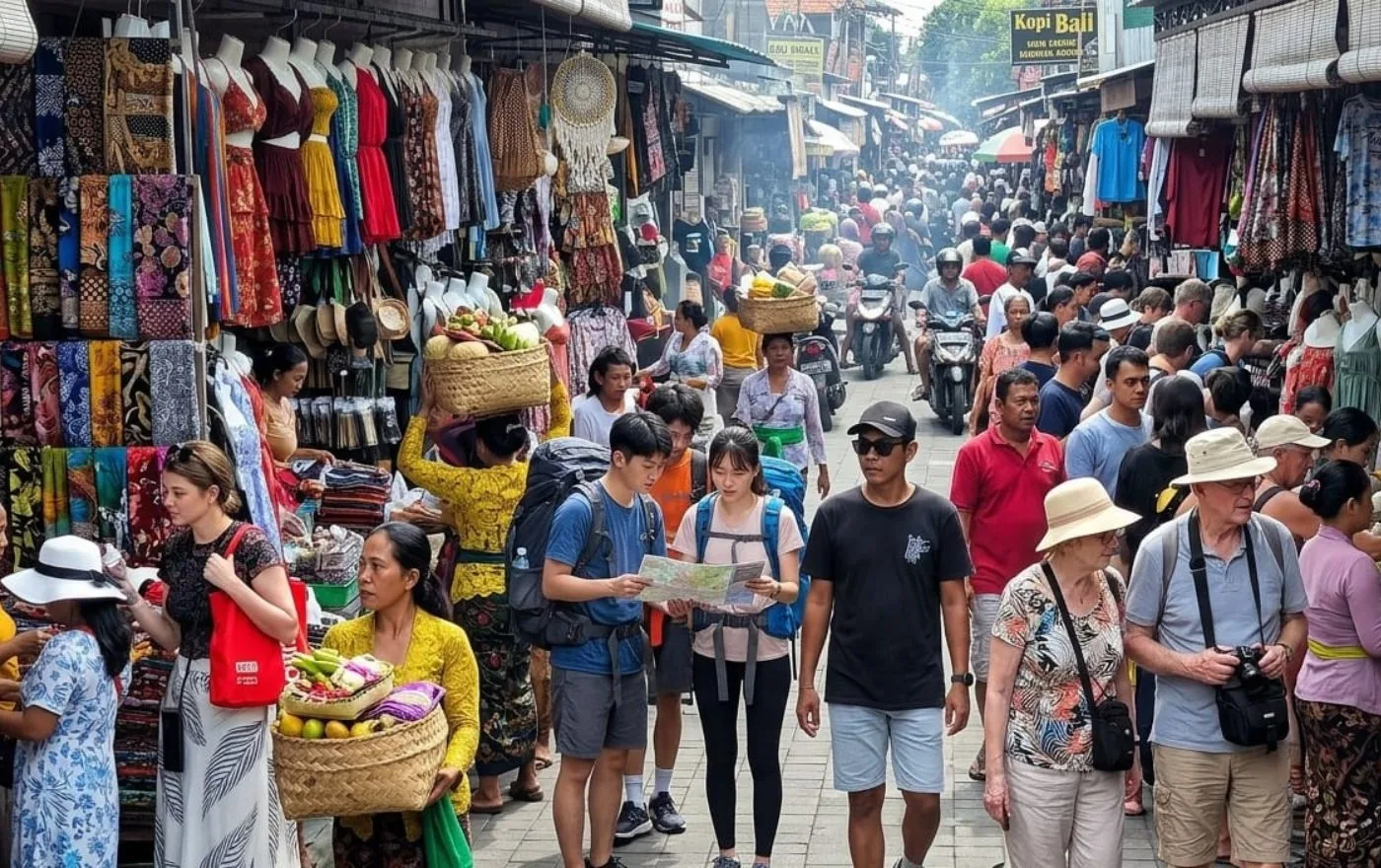
Phone shops and convenience stores across Bali sell SIM cards and data top-ups

Stay connected wherever you go, even while exploring the rice terraces of Bali
eSIMs can be purchased online before your trip, giving you the convenience of having data ready the moment your plane touches down. There is no need to visit a counter or wait in line at the airport.
Telkomsel and other Indonesian providers now offer eSIM directly through their websites and apps. International eSIM providers like Airalo, Holafly, and others also offer Indonesia and Bali specific data packages that are simple to set up.
Activate your eSIM before departure and you will have a working data connection as soon as you land. Most eSIMs are data only, which means they do not include a local phone number for making traditional calls. However, this is rarely an issue since WhatsApp handles nearly all communication in Bali.
Before purchasing, check that your phone supports eSIM. Most phones manufactured after 2020 have this feature, but it is worth confirming to avoid any issues.
If you use an eSIM for data, keep your home SIM active for receiving important texts like bank verification codes. Most phones support dual SIM, so you can have both working at the same time without any conflict.
Each provider has strengths depending on where you plan to go and how you plan to use your phone.
| Provider | Coverage | Best For | Notes |
|---|---|---|---|
| Telkomsel Recommended | Best coverage across all of Bali including remote areas | Most travelers, island exploration, rural areas | The most reliable network. Works in North Bali, Nusa Penida, and other remote spots where other providers drop out. |
| XL Axiata | Good coverage in tourist areas (South Bali, Ubud) | Budget travelers staying in popular areas | Strong in tourist zones with affordable packages. May lose signal in very remote locations. |
| Indosat (IM3) | Moderate coverage, mostly urban areas | Short stays in major tourist areas | Budget option for travelers staying in well connected zones only. |
| eSIM Providers | Varies by underlying network partner | Convenience seekers, short stays | Data only. No local number. Activate before you fly for instant connection on landing. |
All providers have strong coverage and fast 4G speeds throughout the southern tourist corridor. You will have no trouble staying connected in this part of the island regardless of which provider you choose.
Excellent coverage from all major providers. The cultural heart of Bali is well connected, including the surrounding rice terrace areas and nearby villages.
Telkomsel has the most reliable signal in the north. Other providers can be spotty in remote mountain villages, so keep this in mind if your itinerary includes extended time in the highlands.
Coverage has improved significantly on these islands, but Telkomsel remains the most consistent option. Some areas still have weak or no signal, particularly along remote coastal stretches.
Most hotels, cafes, and restaurants offer free WiFi. Speed varies from excellent in tourist areas to slow in more remote spots, making mobile data a valuable backup.

Even at the summit of Mount Batur, Telkomsel keeps you connected
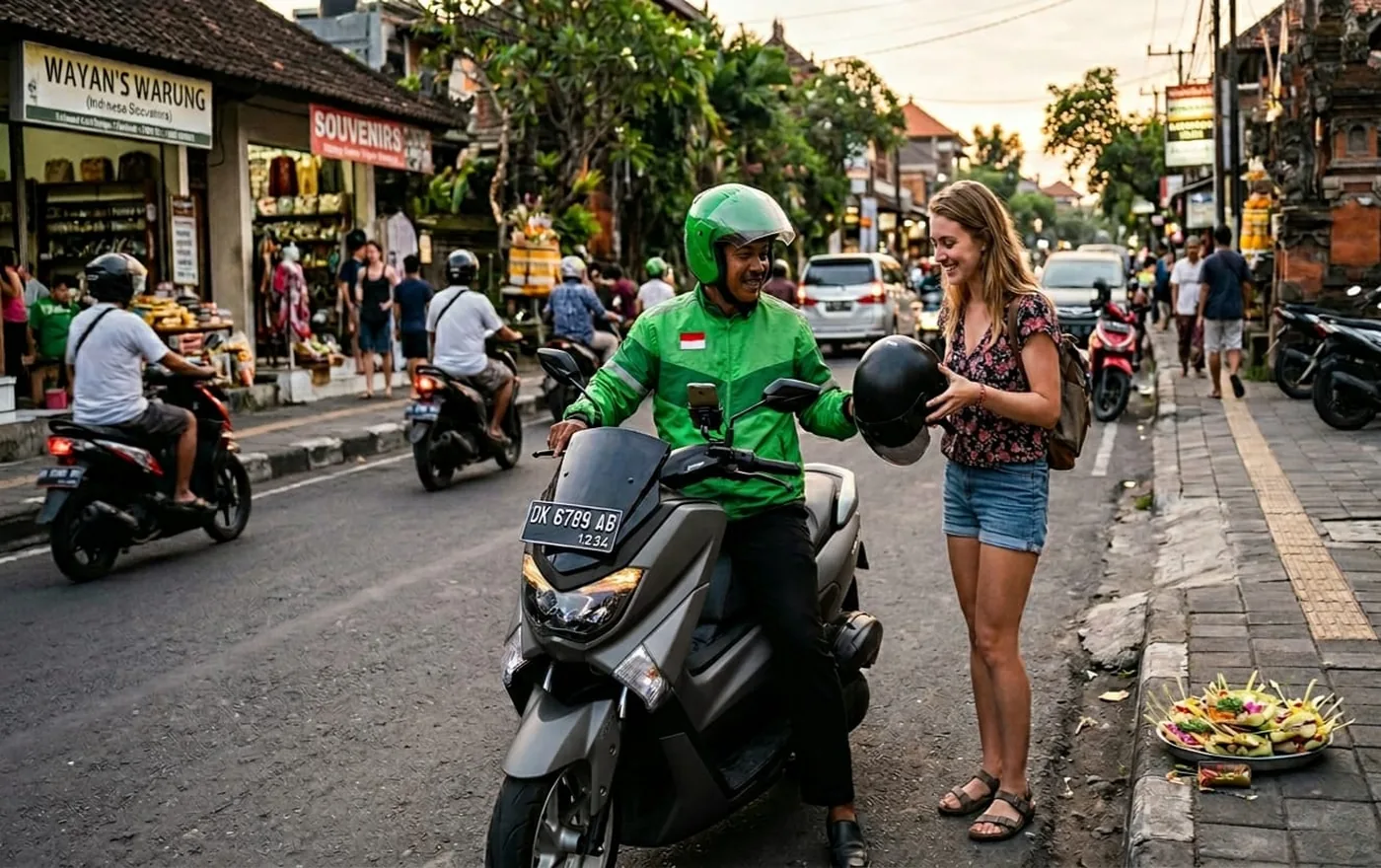
Grab and Gojek are essential apps in Bali that require an active data connection
Several essential apps make daily life in Bali much easier, and all of them require an active mobile data connection to function properly.
These apps cover transportation, communication, navigation, and finances, making them the core toolkit for any traveler exploring the island.
Download offline maps of Bali in Google Maps before your trip. If you ever lose signal in a remote area, offline maps will still guide you. Open Google Maps, search for Bali, and tap the option to download the offline map.
Keep these practical tips in mind to ensure you have reliable internet throughout your entire trip.
Download offline maps before your trip as a backup in case you lose mobile signal in remote areas of the island.
Keep your home SIM active for receiving bank verification texts. Use dual SIM so both your home and Bali SIM work together.
Top up data easily at any Indomaret or Alfamart convenience store. These shops are found on nearly every street across the island.
Use WiFi calling apps like WhatsApp and FaceTime over hotel WiFi to make free calls back home without using any mobile data.
Restart your phone if you lose signal when traveling to a new area. A quick restart often reconnects you to the nearest cell tower.
Check your phone is unlocked before traveling. Contact your home carrier to confirm your device will accept a foreign SIM card.
Your Bali Signature Tours driver carries a mobile WiFi hotspot in the vehicle, so you will always have a strong internet connection during your private tour. No SIM card needed while you are exploring with your driver.
From airport transfers to full-day private tours with a local driver, everything you need for an unforgettable Bali experience is just one click away.
Browse Private Tours